Product FAQ & Support

Select your product below to view support information.
It depends on where you are. Orders processed here will take 5-7 business days to arrive. Overseas deliveries can take anywhere from 7-16 days. Delivery details will be provided in your confirmation email.

No, we currently only ship to countries in the EU/EEC and the UK. Our ambitions are global and we hope to ship worldwide from sometime in 2026.

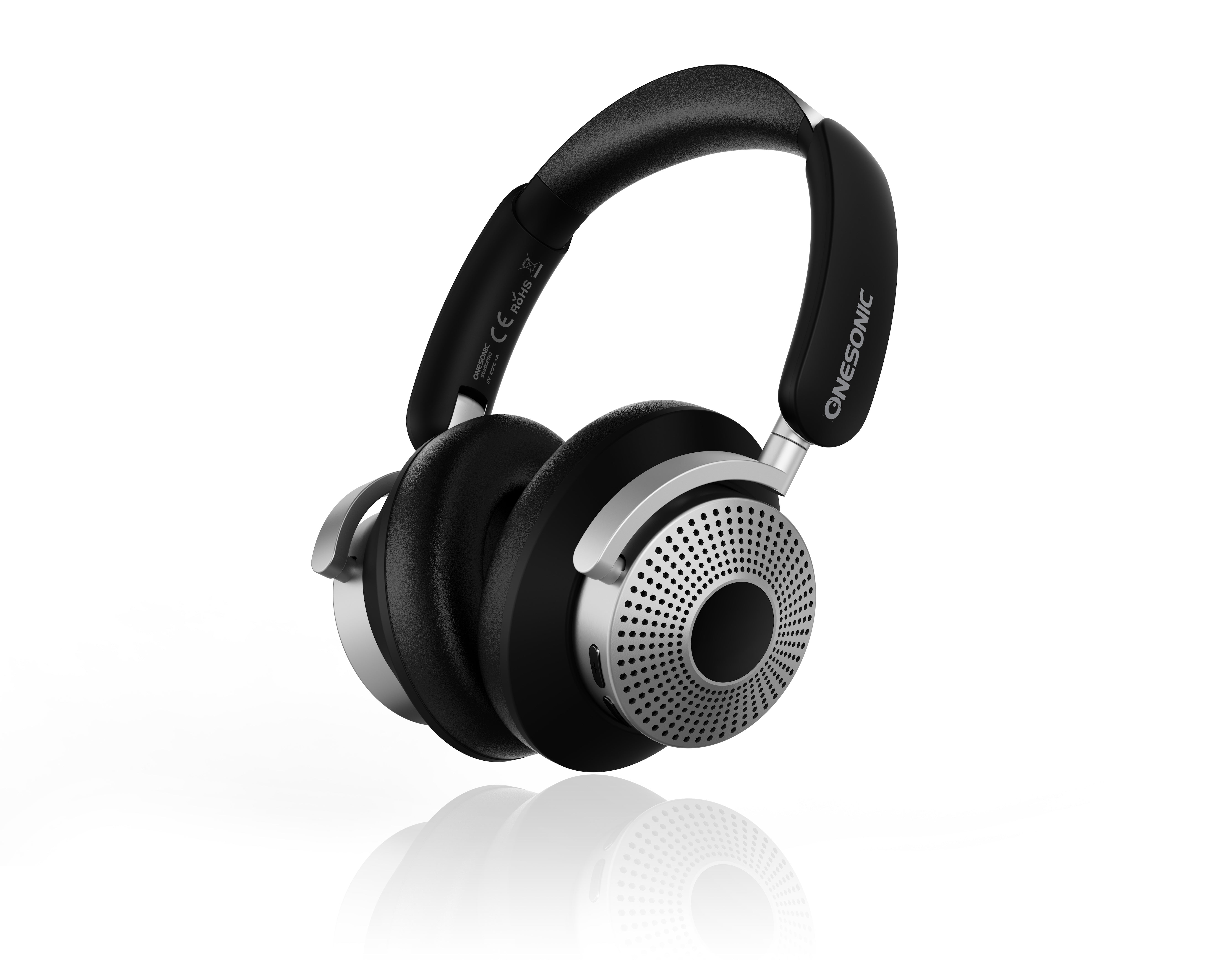
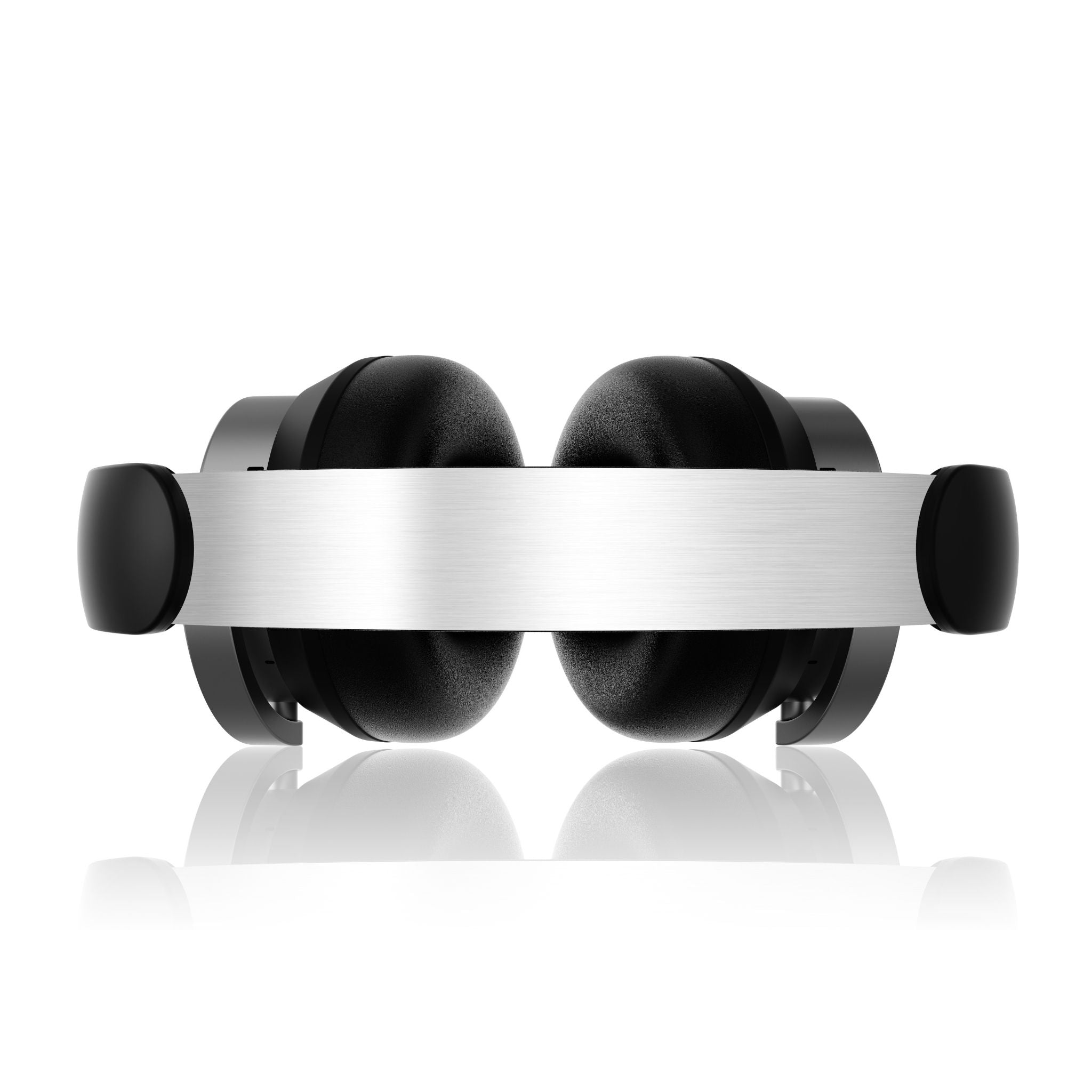
The StudioPRO Headphones can be hardwired to your phone or source device using the standard 3.5 mm audio cable provided.

The StudioPRO Headphones have a total working battery time of 25 hours with ANC on and 40 hours with ANC off.

The StudioPRO Headphones have hybrid active noise reduction by the long press touch point. Hybrid active noise reduction will reduce the total battery time of the headphones to 25 hours.

It is possible to use StudioPRO Headphones while they are being charged, both while using Bluetooth or hardwired method.

Bluetooth V5.4, with a transmission range of at least 10 metres.

Yes. After being switched off and on again, they automatically reconnect to the last connected device.

The LED indicator slowly flashes blue.

20 Hz–20 kHz.

33 ± 3 dB, according to the manual.

Up to 3 hours.

You can download it right here - Download

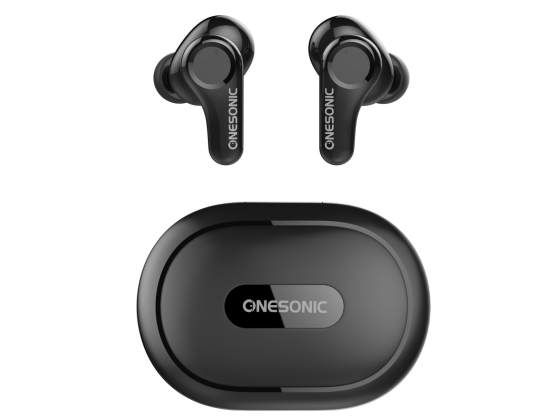
Once fully charged, the BXS-HD1 earphones will provide up to 4hours of operation. The charging case can provide up to 5 full charges and it usually takes 1 to 2 hours to fully charge the case.

Yes, the earphones will automatically power on and off when removed and returned to the charging case. The earphones will connect to any previously paired devices upon removal.

Note: Auto power on/off does not work when the charging case is out of power. The earphones will turn off if they do not find a Bluetooth device after 10 minutes.

The BXS-HD1 earphones are compatible with Bluetooth 5, with support for HFP1.7, A2DP1.3, AVRCP1.6, SPP1.2. Bluetooth Transmission Range up to 10metres.

The BXS-HD1 earphones use Bluetooth 5, which is backwards compatible with devices using Bluetooth 4.0 and upwards, which covers most consumer-level devices developed in the past five years. If unsure, you can check the connectivity specifications of your device on the manufacturer’s website.

Yes, the BXS-HD1 earphones are fully compatible with any device supporting Bluetooth Version 5.0. This means you will hear your device’s ringtone through the earphones and can carry out your phone call without ever touching your device.

To answer the call, Single Tap Touch Control on either of the BXS-HD1 earphones.

To end the call, Hold Touch Control for 2 seconds on either of the BXS-HD1 earphones.

Yes, the BXS-HD1 earphones allow the user to adjust their device’s volume settings without having to go to your device.

Volume can be adjusted with a single tap, and tracks can be skipped with a triple tap. A full description of gestures is described in the BXS-HD1 user manual as well as on the reverse of the earphone’s packaging.

The BXS-HD1 earphones have been designed to meet the demands of high-energy body movement during a variety of exercises. This results in a comfortable yet snug fit in the outer ear, and an IP rating of IPX4, meaning the product is protected against water splashed from all directions.

The BXS-HD1’s Bluetooth capabilities allow for full communication between the earphones and your device, including your favourite Voice Assist function such as Siri or Google.

This is a common occurrence with Bluetooth earphones, but it can be easily rectified by simply resetting the connection to the device.

To reset/reconnect the left and/or right earphone(s),

  1. Place both earphones back into the charging case and keep the lid open.
  2. Press and hold the Reset Button on the charging case until the LED indicator flashes white and red.

This resets the earphones and disconnects them from all paired devices. The earphones can then be repaired.

Note: It is recommended to refresh the list of Bluetooth paired devices on your audio source, or Unpair/Forget the ‘ONESONIC BXS-HD1’ prior to repairing.

You can download it right here - Download

iPhones using iOS 14 and 15 have reported issues relating to Bluetooth which includes randomly disconnecting from Bluetooth devices. This includes iPhones which have iOS 14 or 15 installed from new, or iPhones which have updated to iOS 14 or above. The simplest fix is the following:

  1. Reboot your iPhone
  2. Leave your ONESONIC MXS-HD1 in the charging case (i.e. off)
  3. When you restart your iPhone, go into Settings > Bluetooth and after your ONESONIC MXS-HD1, select Forget Device
  4. Then restart your ONESONIC MXS-HD1 and reconnect to your iPhone

This is a common occurrence with Bluetooth earbuds, but it can be easily rectified by simply resetting the connection to the device.
To reset/reconnect the left and/or right earbud(s),
1. Place both earbuds back into the charging case and keep the lid open.
2. Press and hold the Reset Button on the charging case for approximately 10seconds. Release the button once the LED indicator light on both earbuds shows a continuous Blue and White light for approximately 1second.

This resets the earbuds and disconnects them from all paired devices. The earbuds can then be repaired.

Note: It is recommended to refresh the list of Bluetooth paired devices on your audio source, or Unpair/Forget the ‘ONESONIC MXS-HD1’ prior to repairing.

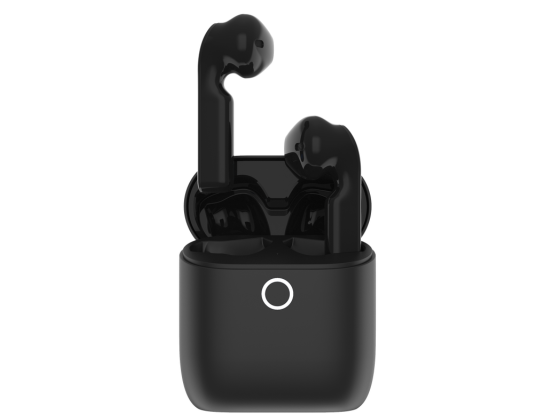
The MXS-HD1 earbuds have an operating time of typically between 5 and 6 hours when fully charged. The earbuds will recharge when returned to the charging case. When fully charged, the wireless charging case holds enough power for four full charges of the MXS-HD1s.

Yes, the earbuds will automatically power on and off when removed and returned to the charging case. The earbuds will connect to any previously paired devices upon removal from the case.

Note: Auto power on/off does not work when the charging case is out of power. The earbuds will turn off if they do not find a Bluetooth device after 10 minutes.

The MXS-HD1 earbuds are compatible with Bluetooth 5, with support for HFP1.7, A2DP1.3, AVRCP1.6, SPP1.2. Bluetooth Transmission Range up to 10metres.

The MXS-HD1 earbuds use Bluetooth 5, which is backwards compatible with devices using Bluetooth 4.0 and upwards, which covers most consumer-level devices developed in the past five years. If unsure, you can check the connectivity specifications of your device on the manufacturer’s website.

Yes, the MXS-HD1 earbuds are fully compatible with any device supporting Bluetooth Version 5.0. This means you will hear your device’s ringtone through the earbuds and can carry out your phone call without ever touching your device.

To answer or end a call, Double Tap Touch Control on either of the MXS-HD1 earbuds.
To reject a call, press and hold Touch Control for 2 seconds on either of MXS-HD1 earbuds.

Yes, the MXS-HD1 earbuds allow the user to adjust their device’s volume settings without having to go to your device.

Volume can be adjusted with a single tap, and tracks can be skipped with a triple tap. A full description of gestures is described in the MXS-HD1 user manual as well as on the reverse of the earbud’s packaging.

The MXS-HD1 earbuds have been designed to meet the demands of high-energy body movement during a variety of exercises. This results in a comfortable yet snug fit in the outer ear, and an IP rating of IPX4, meaning the product is protected against water splashed from all directions.

The MXS-HD1’s Bluetooth capabilities allow for full communication between the earbuds and your device, including your favourite Voice Assist function such as Siri or Google.

This is activated by holding the Touch Control on either earbud for 2 seconds. A full description of gestures is described in the MXS-HD1 user manual as well as on the reverse of the earbud’s packaging.

Manuals & downloads

User manual

MXS-HD1 User Guide

PDF EnglishUpdated May 343053924496

You can download it right here - Download

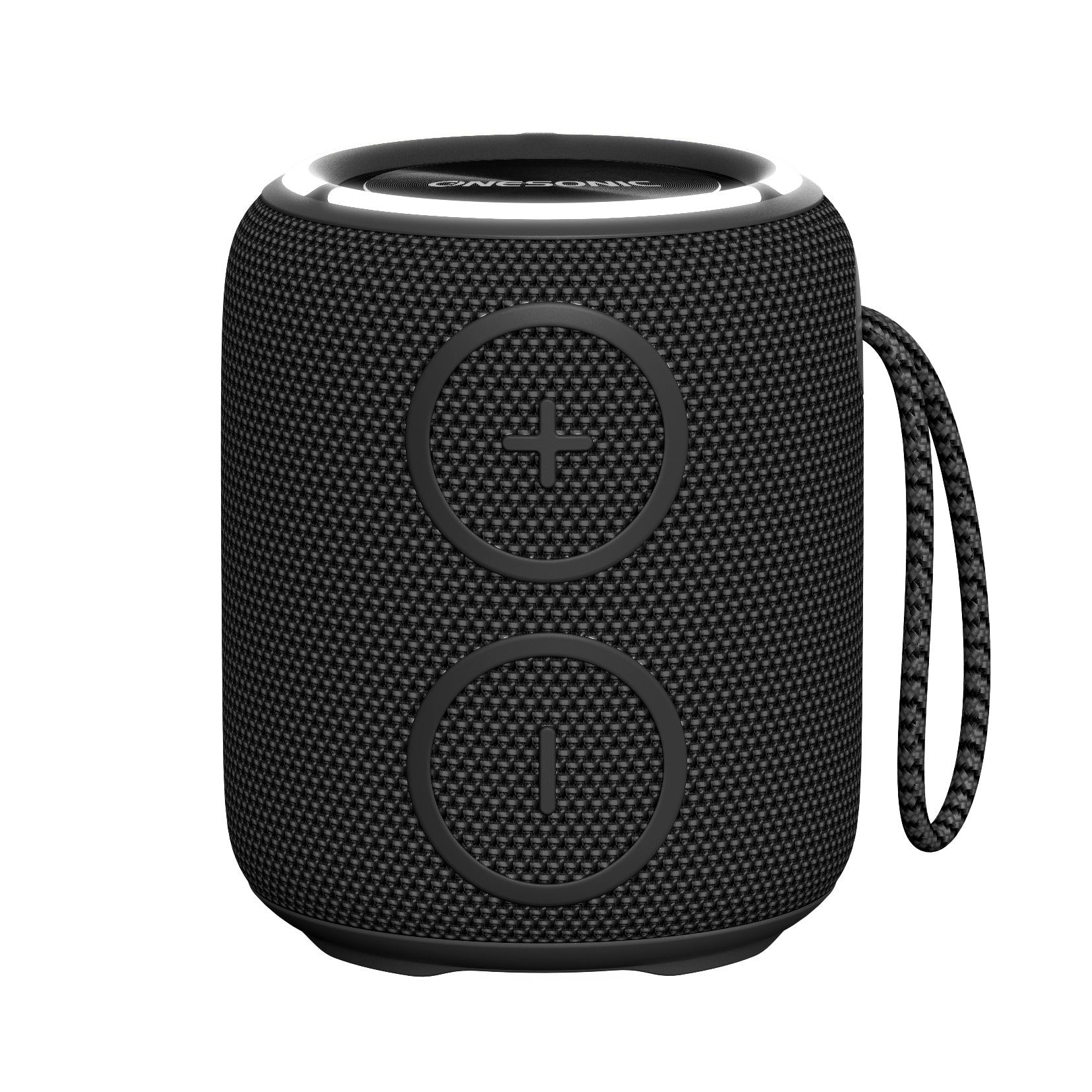
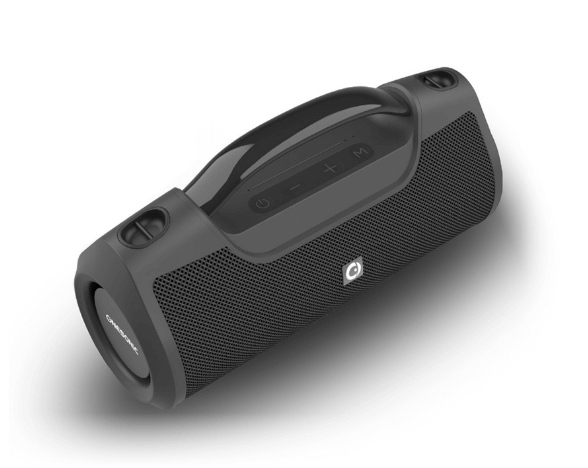
  1. Turn on the speaker.
  2. The LED indicator will turn blue when powered ON.
  3. The speaker will enter Bluetooth mode automatically.
  4. Find the ONESONIC MEGAMAUS on the Bluetooth menu on your device and connect.
  5. You will hear a double beep (low-hi) to indicate the speaker is connected to your device.
  1. Turn both speakers on and ensure that neither speaker is connected to any device over Bluetooth.
  2. To pair two speakers together, press the ‘Play’ button simultaneously for two seconds.
  3. First you will hear a single beep. This is followed by a triple beep within a few seconds to confirm that the speakers are paired.
  4. Following this, one single ONESONIC MEGAMAUS will appear on the Bluetooth menu, which is both speakers paired. Connect to this speaker as normal.
  5. Once the device has paired with the speakers, a ‘beep’ sound will be heard.
  6. To clear all previous pairings from the MEGAMAUS, hold the ‘Play’ button for 5 seconds until the speaker automatically turns off.

The speaker will last 10 hours following one full charge (3 hours).

  1. Yes, the speaker has a mic to facilitate phone calls.
  2. To answer an incoming call, short press (instant press) the pause button on the speaker.
  3. To reject an incoming call, long press (hold for 5 seconds) the pause button on the speaker.
  1. The speaker is water resistant to an IPXs Rated level of IPX7.
  2. This means it can be immersed in water of up to 1 metre.
  1. The speaker is compatible with Voice Assist.
  2. Please note that to activate the voice assistant, you need to trigger it directly on your phone – e.g., ‘Hey Siri’.
  3. The success of voice assistant commands depends on the clarity of your voice, as well as the distance between your voice and your device. For the best results, please ensure a clear line of communication.

Bluetooth 5.2

Up to 10 metres in typical unobstructed conditions; obstacles and interference can reduce the range.

Two 6W speaker units, for a combined rated output of 12W.

The listed response range is 80Hz–20kHz.

Yes. It is designed to provide 360-degree sound dispersion.

Power on the speaker, enable Bluetooth on the phone, locate the MEGAMAUS device entry and select it. Wait for the connection confirmation.

Check that it is powered on, within range and not connected to another device. Restart Bluetooth and try again.

Yes, with compatible Bluetooth-enabled iOS and Android devices.

Manuals & downloads

User manual

MEGAMAUS 2 User Guide

PDF EnglishUpdated March 440291171707

You can download it right here -Download

  1. Turn on the speaker.
  2. The LED indicator will turn blue when powered ON.
  3. The speaker will enter Bluetooth mode automatically.
  4. Find the ONESONIC QUATTRO on the Bluetooth menu on your device and connect.
  5. You will hear a double beep to indicate the speaker is connected to your device.
  1. Turn both speakers on and ensure that neither speaker is connected to any device over Bluetooth.
  2. To pair two speakers together, long press (approximately 4 seconds) the ‘M’ button on both speakers until you hear a double beep.
  3. Following this, one single ONESONIC QUATTRO will appear on the Bluetooth menu, which is both speakers paired. Connect to this speaker as normal.
  4. The two speakers will now playback in stereo mode.

The speaker will last 10-12 hours following one full charge (3 hours).

  1. When a device is connected to the speaker, it automatically acts as a handsfree speaker for calls.
  2. To answer an incoming call, short press the power button, and the same again to end the call.
  3. To reject a call, quick press the power button twice.

The speaker has an IPX6 rating, meaning it is waterproof from high pressure water stream.

  1. The speaker is compatible with Voice Assist.
  2. Please note that to activate the voice assistant, you need to trigger it directly on your phone – e.g., ‘Hey Siri’.
  3. The success of voice assistant commands depends on the clarity of your voice, as well as the distance between your voice and your device. For the best results, please ensure a clear line of communication.

Support

For FAQ’s, please select your product from the drop-down menu below. If you do not see your query on this list of FAQ’s, get in touch by emailing support@onesonic.com and we’ll be back to you within 24 hours (Monday to Friday).